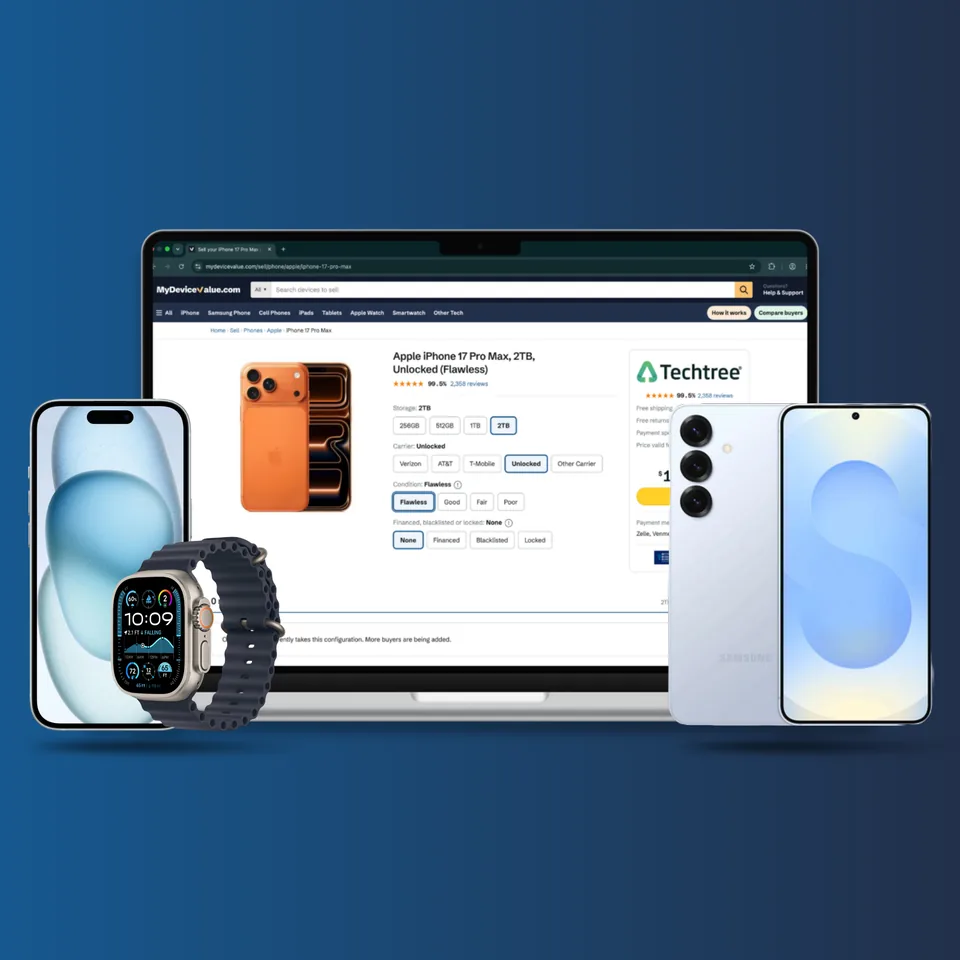
We do not buy your device. We compare what 2 vetted buyers will pay for it and rank them by payout, highest first, so you pick the best offer instead of the first one you find.
Free to sell
Nothing to pay us. No listing fee, no commission, no cut of your payout.
Prices you can hold
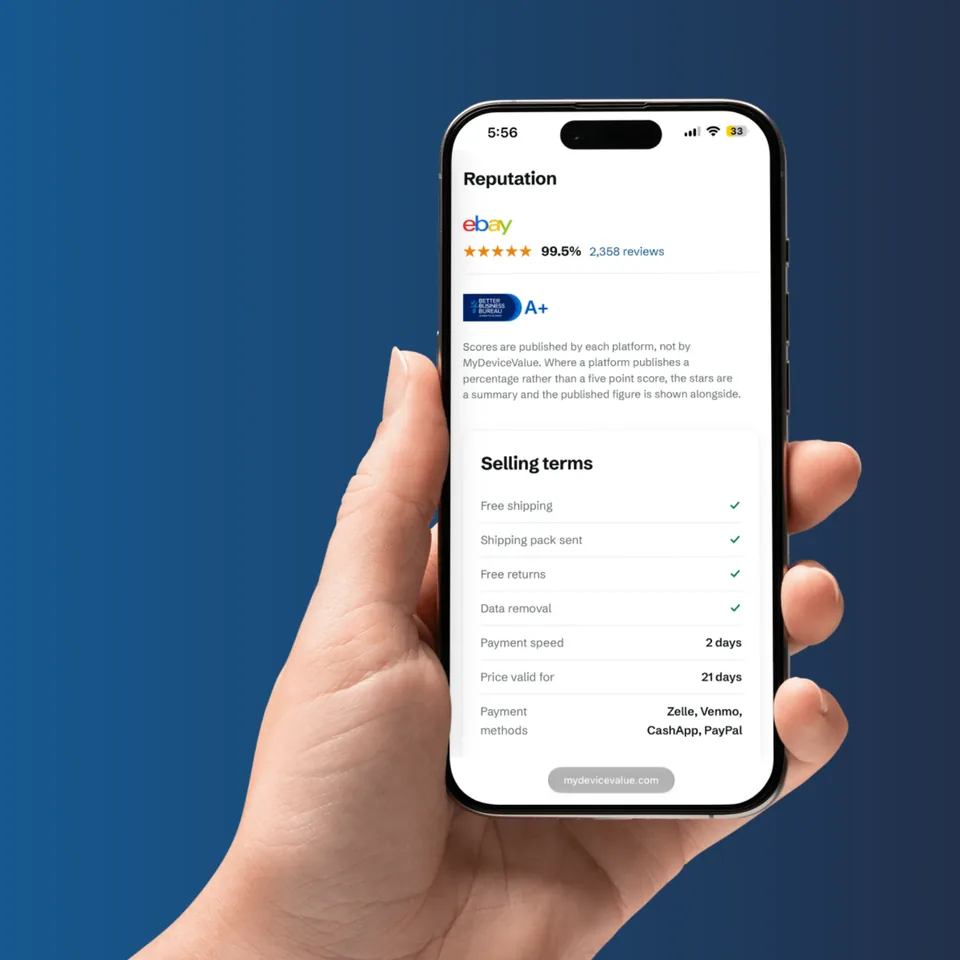
Each buyer holds your quote for a set window, shown with the offer.
Buyers worth trusting
Every buyer is checked before it is listed, and the terms are on the page.
How do you decide which buyer ranks first?
Purely by what they pay for your exact configuration, highest first. No buyer pays for placement and the order is never changed for commercial reasons. Buyers pay us a referral fee when a sale completes, which changes neither your payout nor the order.
Who handles the sale after I choose an offer?
The buyer does. We compare offers and send you to them, then the sale, shipping, inspection and payment all happen on their site under their terms.
Do these grades match the buyer's own conditions?
Not always. Our four grades exist so buyers can be compared on one scale, but each buyer sets and applies its own criteria. Check that buyer's condition requirements on their site before you complete the sale, because their grading is what determines your final payment.
Common questions
What sellers ask before posting laptops to a buyer.
Wiping, locks and what changes a laptop offer
Back up first, then open Settings, System, Recovery, Reset this PC, Remove everything, and turn on the clean data option under Change settings. Microsoft says that option makes removed files harder to recover and takes considerably longer. If BitLocker is on, check you can reach the recovery key before you start. The reset does not unlink the PC from your Microsoft account, so remove it at account.microsoft.com/devices, then compare laptop payouts.
A BIOS or UEFI supervisor password lives on the motherboard, not the drive, so reinstalling Windows, swapping the SSD or clearing CMOS will not remove it on modern business laptops. Removal usually means going to the manufacturer with proof of ownership, or replacing the board, and the process differs by brand and model year. On Intel Macs the equivalent firmware password can only be cleared by Apple, with proof of purchase. Declare the lock when you quote, because an undeclared lock leads to a revised offer or a return under the buyer's terms.
Only sell a device you own. Company issued hardware normally stays company property, and buyers screen for corporate and stolen assets. MDM enrollment is tied to the serial number in the vendor's enrollment program, so erasing the drive does not clear it and only the enrolling organization can release it. Ask your IT team to release it in writing first, and note that peeling off an asset tag changes nothing the buyer finds. On MDV that is the lock flag, recorded separately from the condition grade.
Sometimes. Quotes are usually keyed to a configuration, most often storage and sometimes memory, so select the spec the machine has now rather than the factory spec. Check what is actually installed using System Information on Windows or About This Mac on macOS before you quote it. The uplift is normally less than the upgrade cost, so upgrading purely to sell rarely pays back. Apple silicon Macs and many thin Windows laptops have soldered parts, and each buyer sets its own policy on non original components.
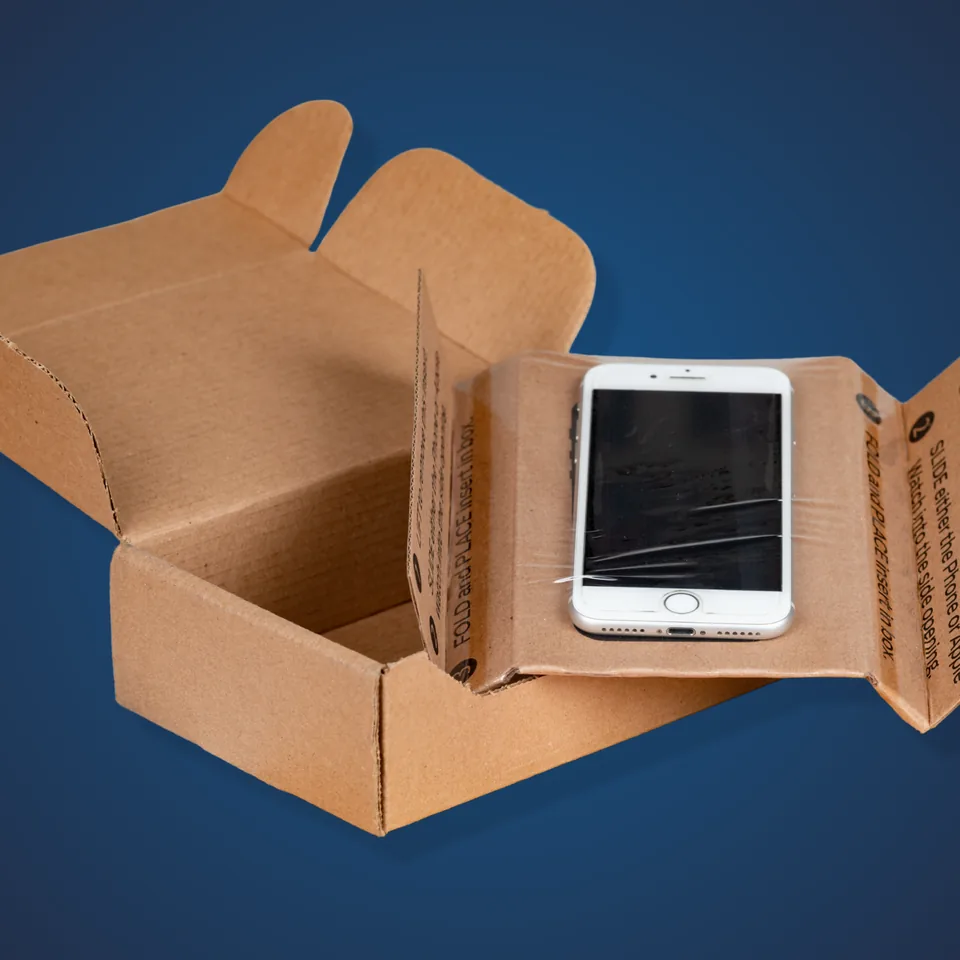
Send the power adapter and the cables that came with the machine. Most buyers' top condition tiers require them, and a missing charger commonly moves a device down a tier, more so with a proprietary Mac charger or a high wattage gaming brick. Buyback companies generally do not pay extra for the original box or manuals, though those help on peer to peer marketplaces. Each buyer sets its own accessory rules, so read them before you pack.
Several buyers quote on damaged and non working machines, at a much lower payout, though not all of them do. Cracked screens and no power faults sit at the bottom of MDV's four grades, and each buyer applies its own criteria, so the buyer's inspection sets the final payment. Declare every fault on the buyer's form, since undeclared damage is the main cause of a revised offer. If it will not power on, wipe or remove the drive first, and check the buyer's rules on swollen batteries.
How MDV works, and who does what
Offers are ordered by payout for the exact configuration you selected, highest first. No buyer pays for placement, and the order is never changed for commercial reasons. Buyers pay MDV a referral fee when a sale completes, and that fee changes neither what you are paid nor where an offer sits in the list.
The buyer does. MDV compares published offers and hands you off to the buyer's own site, where shipping, inspection, revised offers, returns and payment all happen under that buyer's terms. MDV never receives, inspects, wipes or pays for a device. Terms differ from one buyer to the next, so read the buyer's own page before you ship anything.